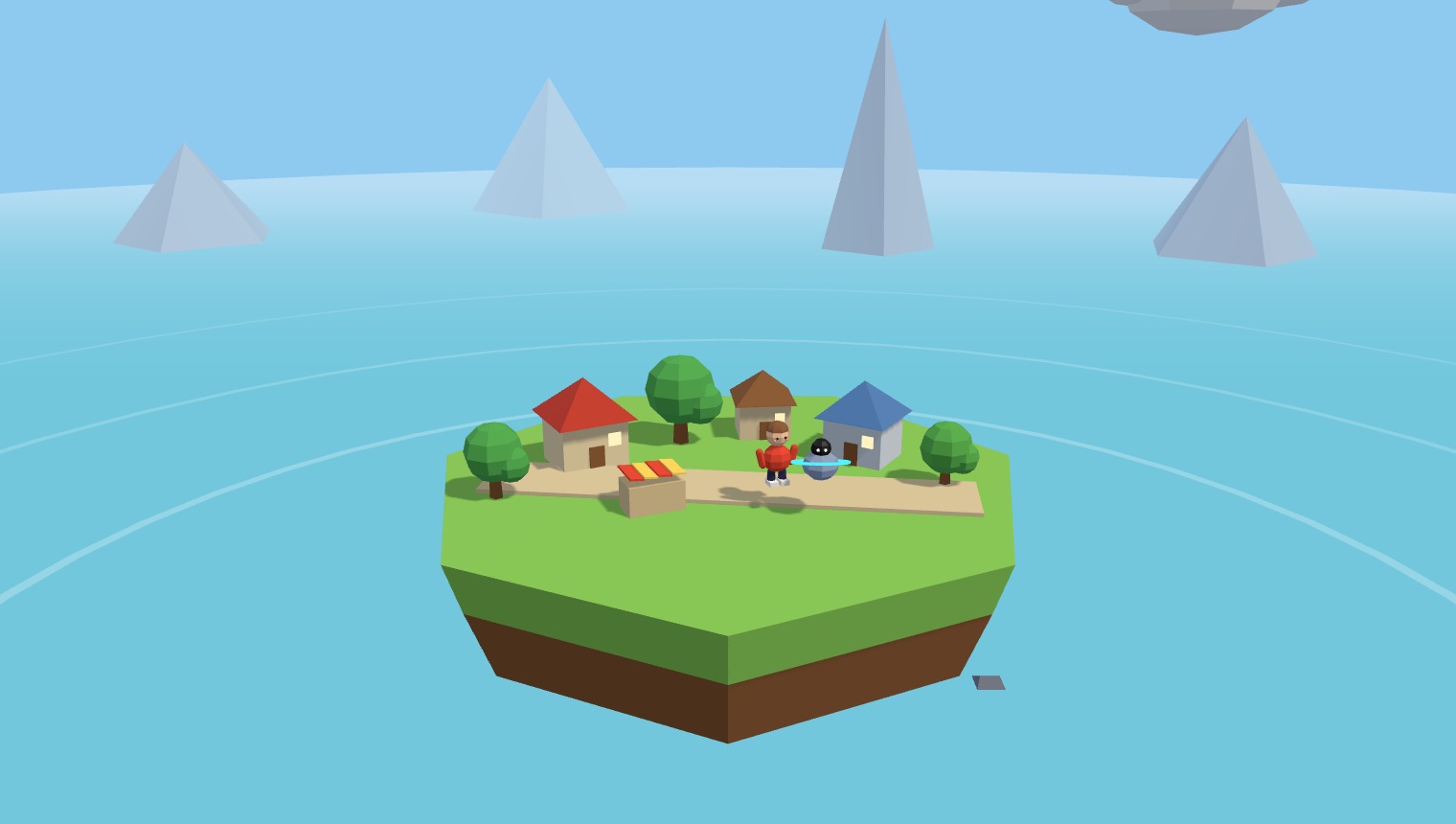
Briefings deliver the theory of a lesson – definitions, diagrams, worked examples – as beats along a path your class travels together. Direct instruction stays direct. It just stops being a wall of bullet points nobody remembers.
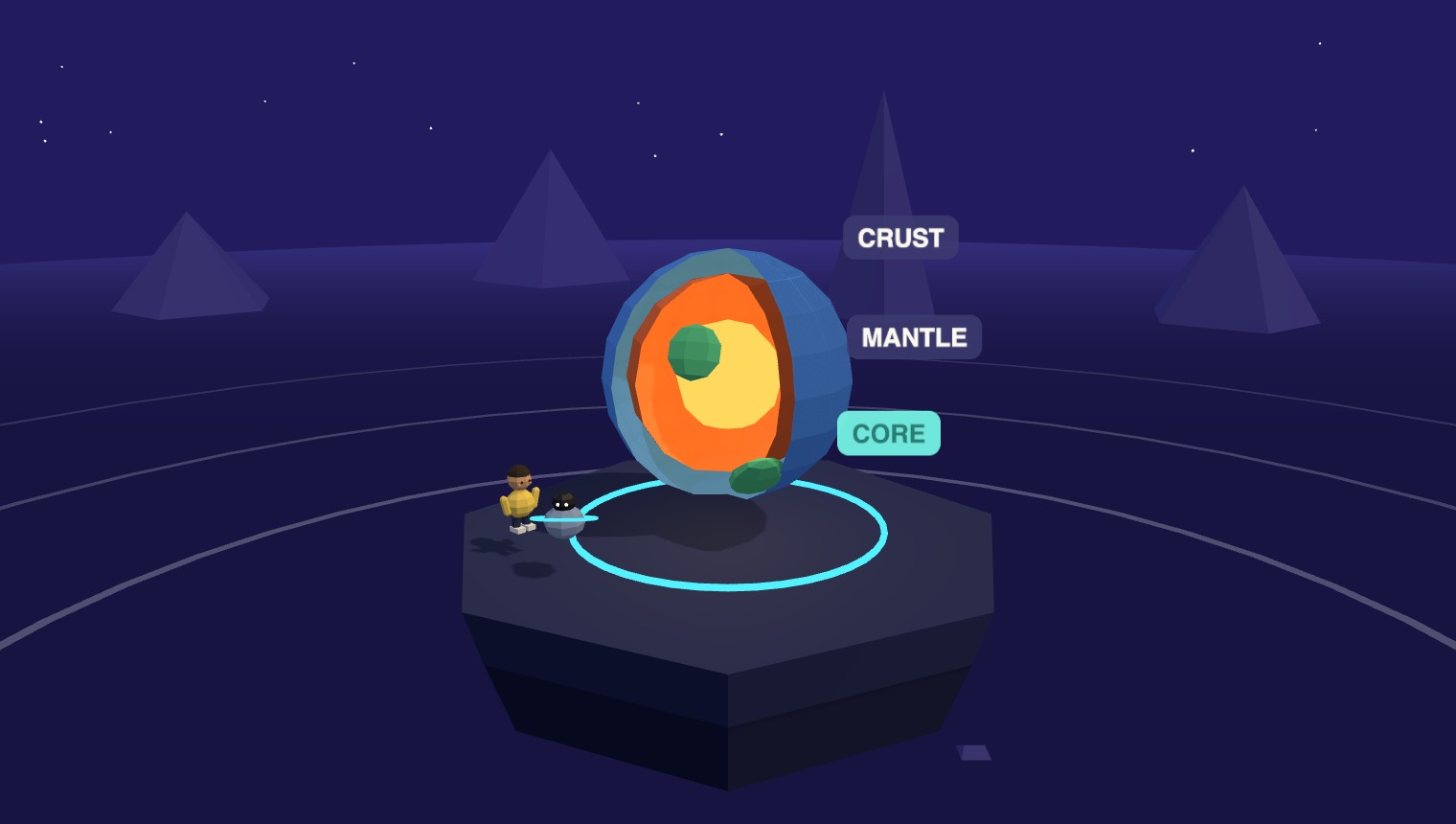
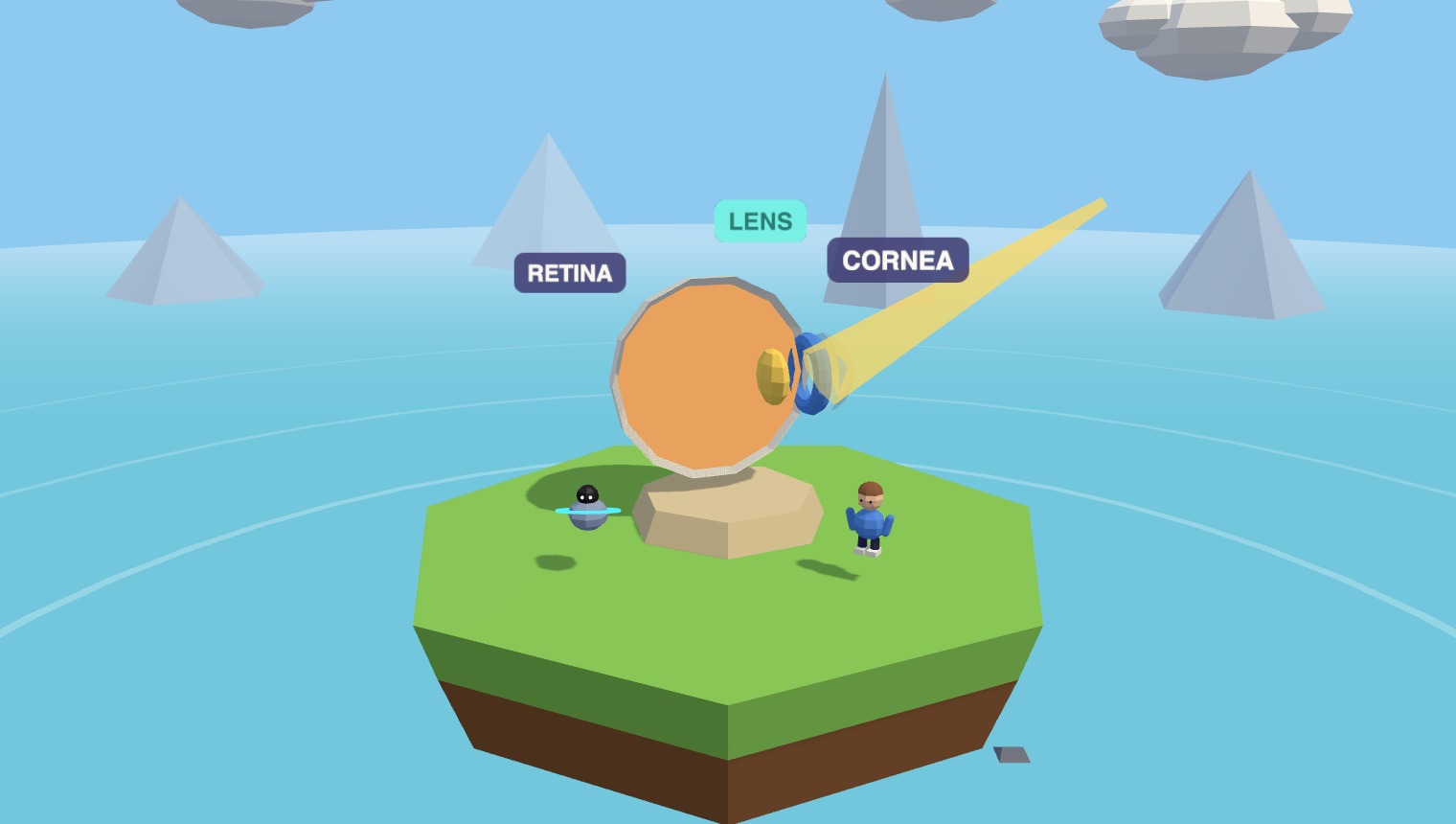
A Briefing plays like your best deck ever did – paced, sequenced, fully under your control – but each beat lands in the world it describes. Step through one:
A Briefing is authored, not improvised. You set the beats, the emphasis, and the pace – then travel them live with the class, or let students walk them solo. The AI builds to your outline, never around it.

Study after study finds the same thing: static slides turn students into passive spectators. A Briefing gives every idea a place, a moment, and a picture – so recall has something to hang on.

The camera flies your class from beat to beat – nobody loses their place, and the pacing is yours.
Key terms pin to the exact part of the world they name, so the diagram and the definition never separate.
Upload the deck you already teach from – Axis reads it and rebuilds each slide as a world beat.
Step into a live Axis briefing and travel a lesson the way your students would – then bring it to your own classroom.
No. A beat places each concept in the world it describes and pins its label there, so the picture and the definition arrive together. It reads like a place you visited, not a slide you skimmed.
Yes. Drop in your PowerPoint or Google Slides and Axis rebuilds each slide as a briefing beat you can then reorder, rewrite, or extend.
Both. Travel the briefing live at the front of the class, or assign it so students walk the beats at their own pace – their progress still flows to your dashboard.
A briefing hands straight off to a Playground to explore the idea, or a Checkpoint to assess it – all inside the same world.