Axis · Features · Playgrounds
Feature 02 · Playgrounds

Don't watch the demo. Grab the dials.

Playgrounds are the interactive heart of Axis – real, manipulable 3D worlds where students set the variables and physics answers back. Drag the mass, crank the gravity, tilt the ramp, mix the reactants. Nothing is a canned animation. Everything responds.

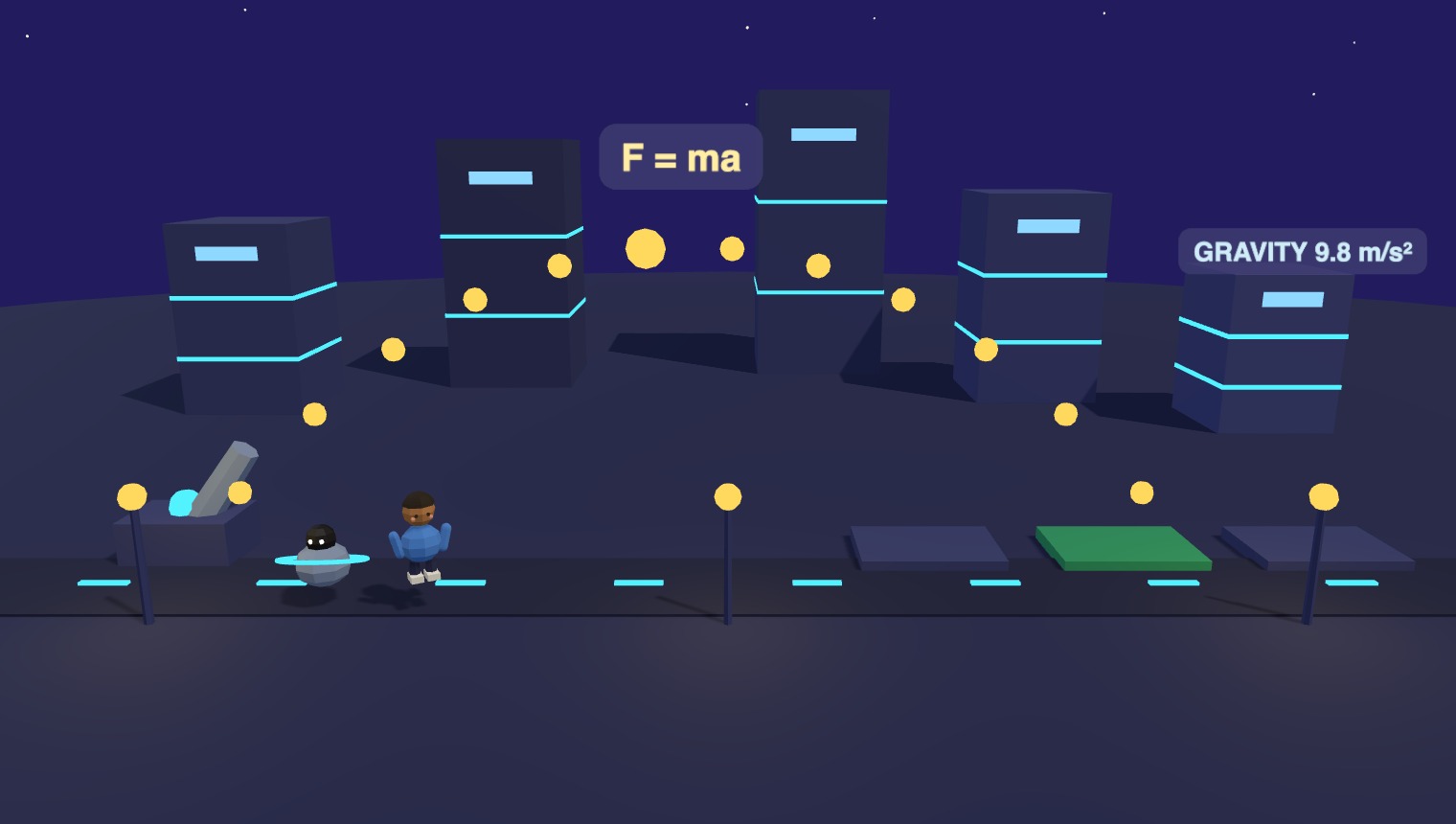
A Playground world – a low-poly physics lab where a class sets launch variables and watches the arc respond
Learning by doing

A world that pushes back

A Playground hands the controls to the student. They choose the setup, dial in the numbers, make a prediction, then run it and see whether the world agrees. Walk through one:

Live lesson · Playground

Real, safe, interactive demos

The touchable Playground runs best on a bigger screen. Come back on a tablet or laptop to explore it.

Open the interactive lesson →
The same rig, every subject

One playground engine, any lab.

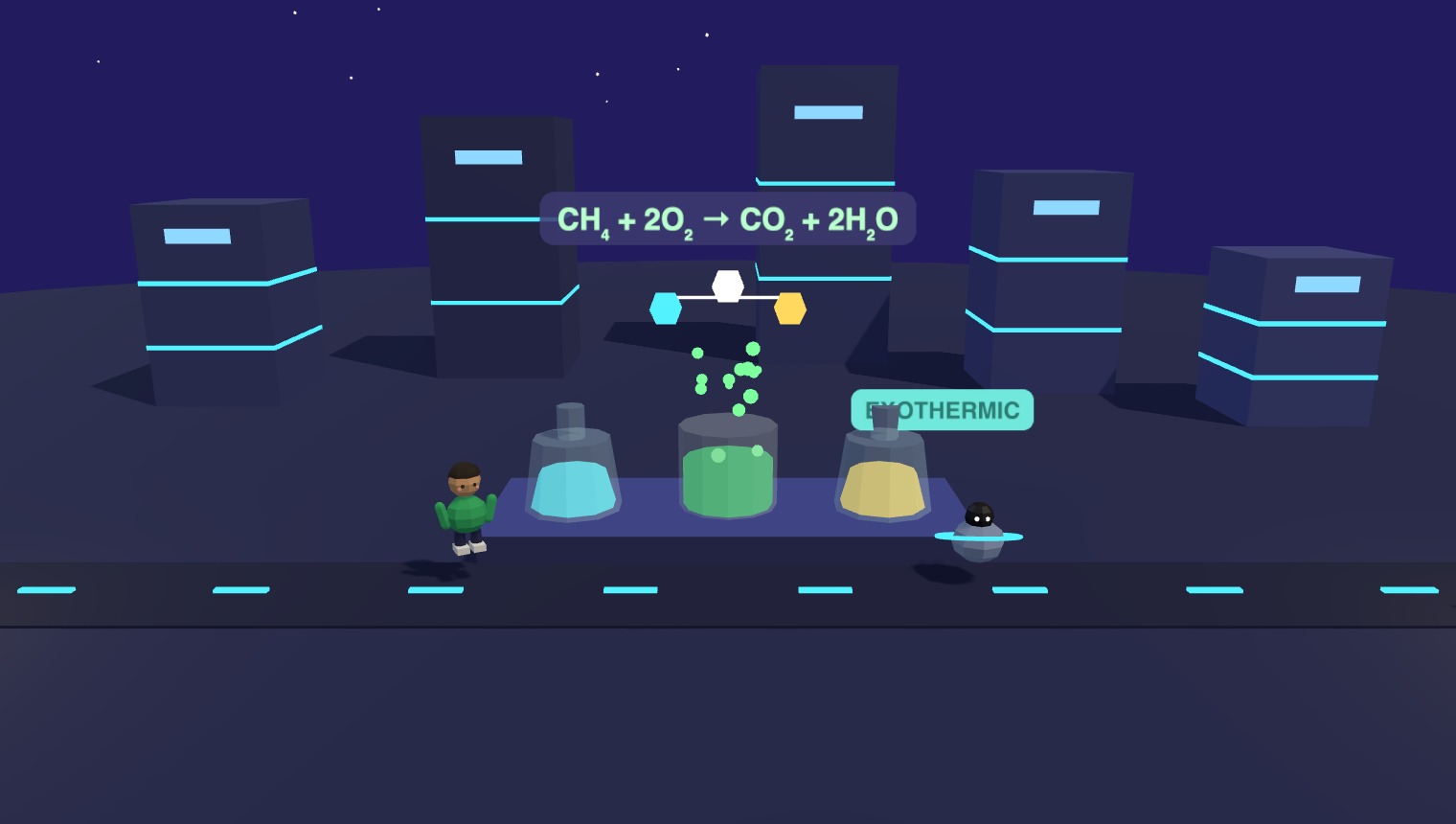
The controls change but the idea holds: pick variables, run it, watch the world answer. Mix an acid and a base and see the reaction rate climb – no goggles, no fume hood, no spill to mop up when it goes wrong.

  • Live variables students drag, not values you narrate
  • Run it a hundred times – reagents never run out
  • Every wrong turn is a lesson, never a mess
A chemistry Playground – students mix reactants and watch the reaction rate respond in a low-poly lab
Go where no lab can

Experiments the real world won't allow.

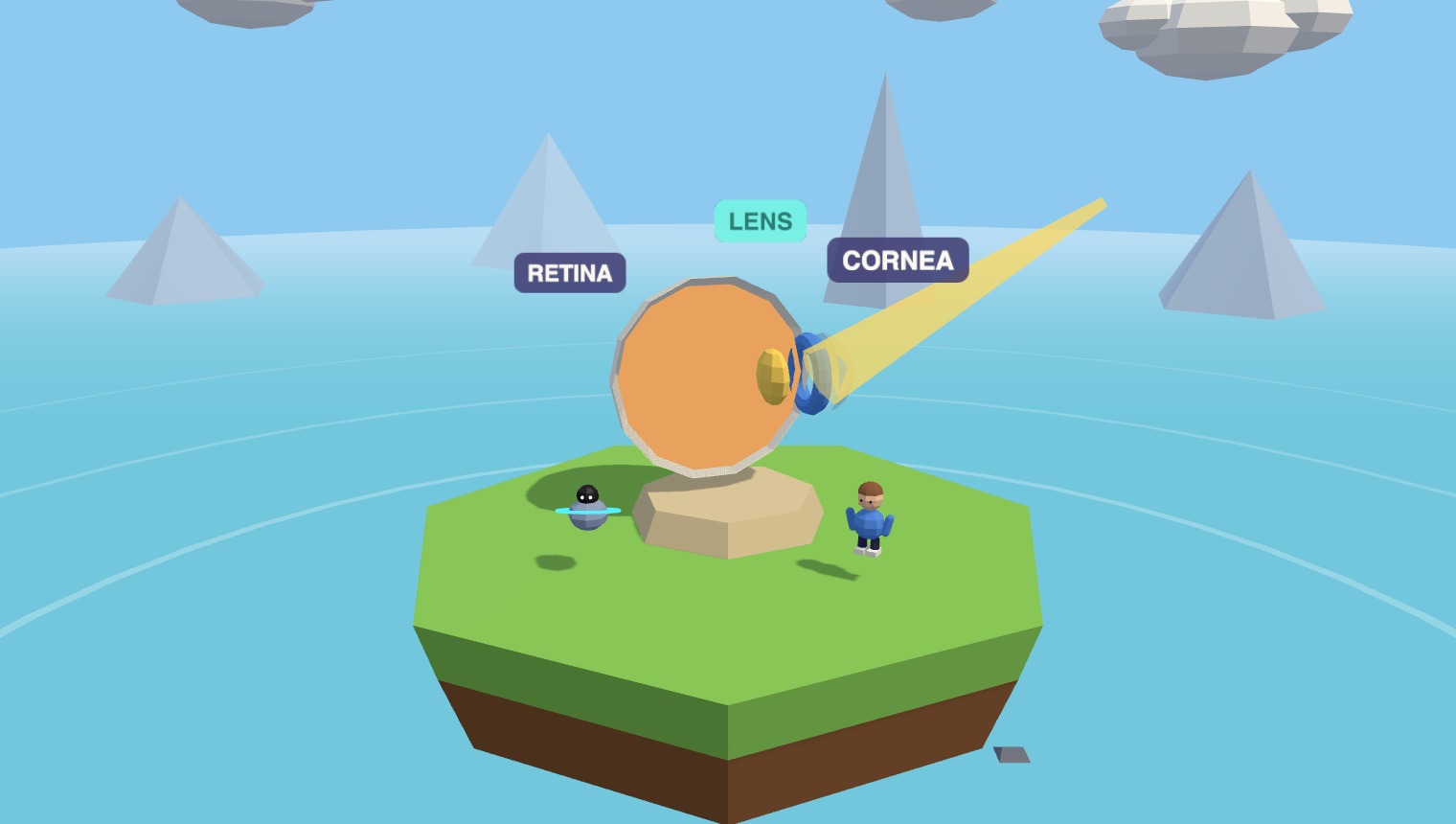
Shrink to the size of a photon and travel through the eye. Turn gravity off. Speed up a decade of erosion into ten seconds. A Playground runs the demonstrations that are too small, too slow, too dangerous, or flat-out impossible in a school lab.

  • Impossible scales – atomic, cosmic, geological
  • Dangerous reactions, run with zero risk
  • Rewind, reset, and try the "what if" again instantly
An anatomy Playground – students travel through a generated eye, adjusting the lens and watching focus change
What makes a playground

Real controls, real consequences

🎛️

Manipulable, not canned

Every dial and slider drives the actual simulation. Change an input and the whole world recomputes – no pre-baked clip playing back the same way twice.

🛡️

Safe by design

Blow it up, freeze it, overdose the reactants – then reset. Students explore the dangerous and the impossible without a single risk assessment.

🌍

Any subject

Focus a generated eye, drive a live reaction, slide two tectonic plates past each other. If it can be modelled, it can be a Playground.

At a glance

Hands-on, out of the box

0 mess
no lab, no consumables, no cleanup
~0 min
from a prompt to a running demo
∞ runs
reset and retry as many times as you like
Any
subject, scale or level of danger
Try a playground

Grab the dials yourself

Open a live Axis playground, set the variables, and watch the world answer – exactly the way your students will. Then picture running it with your class.

Sample lessons open in the Axis game · no install
Questions

Playgrounds, answered

Is this a simulation or just an animation?

A real simulation. The variables are live inputs – change the mass or gravity and the world recomputes the result. There's no fixed clip; every run reflects the settings the student chose.

Do students really control it, or watch me?

They control it. Each student can set the dials, predict, run, and reset on their own device. Demonstrate one live at the front if you like, then turn them loose to explore.

Where does a Playground start, and where does it go?

It usually follows a Briefing that sets the theory, then hands off to a Checkpoint that tests what they just discovered – all in one world.

Can I see what students actually did in there?

Yes. The settings they tried and the predictions they made flow to your dashboard, so you can spot the misconceptions a static demo would have hidden.
Explore the platform

The other three modes